Invoice several jobs together
If a customer has had several jobs done, you can put them all on one invoice from the customer's profile.
- Open the customer and go to the Quotes / Invoices tab.
- Click Create quote / invoice.
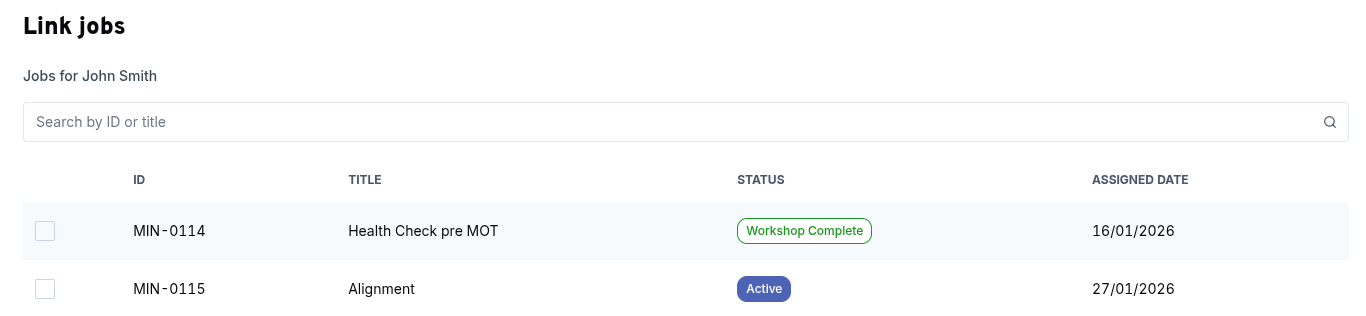
- Click Link jobs to open a list of that customer's jobs. Search by job reference or title, tick the jobs you want, then click Link jobs to confirm. To change the selection later, click Change jobs.
- Add your line items and check the totals, the same way as for a single job. To pull in the tasks from every linked job at once, click Copy tasks.
- Click Save invoice.
The linked job references appear on the PDF, and the invoice shows up in the Quote / Invoice tab of each linked job.
info
You can link up to 50 jobs to a single invoice. All of them must belong to the same customer.
tip
You don't have to link a job at all. You can create a quote or invoice from the customer's profile without one, for example to sell parts on their own.