Add the customer's address
Quotes and invoices show the customer's name, email and address. Name and email come from the customer record you already have, and you can now save an address as well.
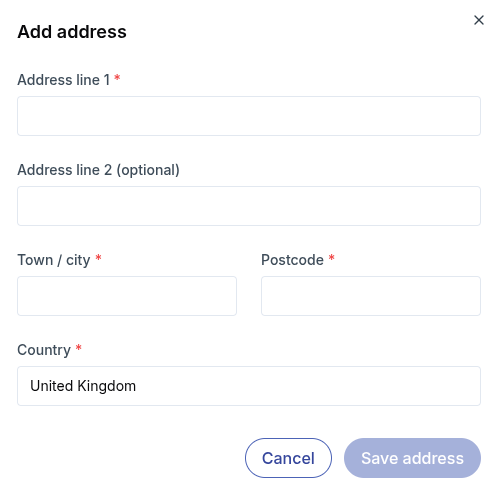
Open the customer and find the Address row in their details. Click the edit icon, enter the address and click Save address. To change the address later, click the edit icon again. You can also use Remove address there to clear it.
info
An address is optional. If the customer doesn't have one, the document will show just their name and email.