Before you start
This workflow follows a single job from start to finish: booking it in, doing the work, invoicing the customer and closing it off. Each step links to a more detailed guide if you want to know more.
You only need to do this setup once.
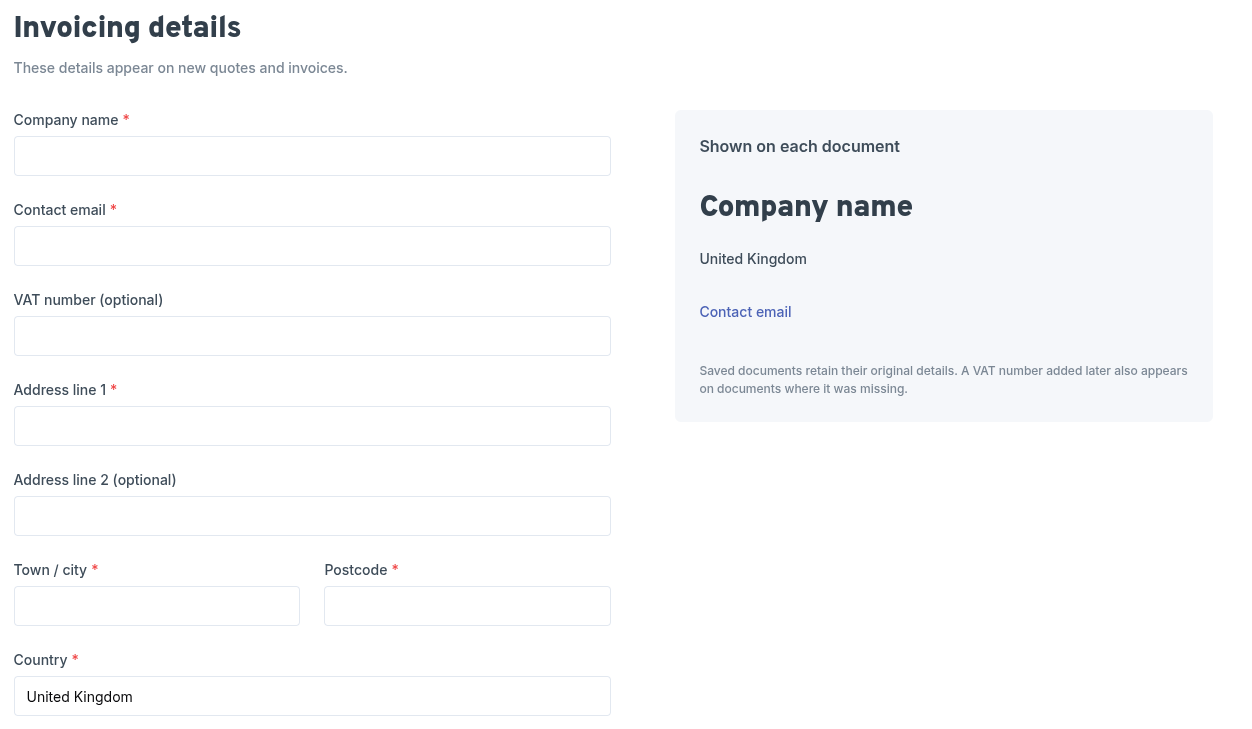
- Add your invoicing details. Go to Settings > Invoicing and enter your company name, contact email, address and VAT number if you have one. These appear at the top of every invoice. More about invoicing details.
- Check your company settings. Make sure your address and timezone are set in Settings > Company, so reminders and scheduling work correctly.
info
workauto won't let you create an invoice until your invoicing details are saved. If you skip this step, it will prompt you and link you straight to the right settings page.