Do the work in TechView
Technicians open the job in TechView on the workshop tablet or their phone. From there they:
- Update the status to Active when they start, and to On Hold if they're waiting on parts or the customer's approval. Job statuses.
- Tick off each task as it's completed.
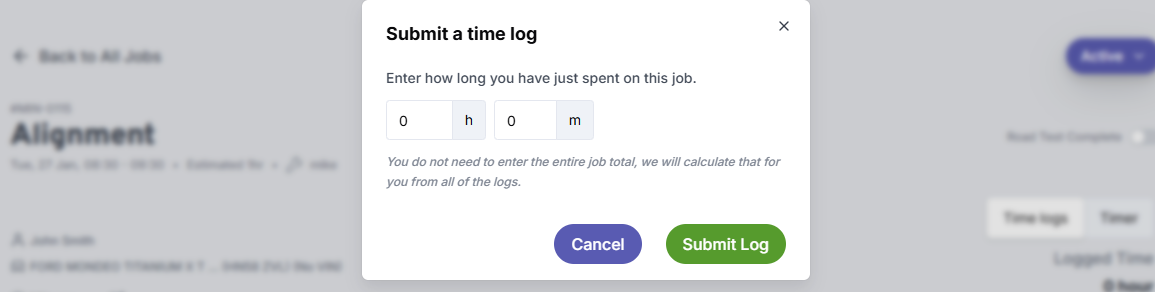
- Log their time with time logs or the timer, so you can compare the time spent against the estimate. How to time jobs.
- Add notes and photos to the job. These show up in the office straight away.
- Set the status to Workshop Complete when the work is done.
tip
Found extra work along the way? Once the customer agrees to it, add it as a task on the job in the office. That way it gets done in the workshop and ends up on the invoice too.
info
Once a job is Workshop Complete, it appears in the Jobs Not Invoiced report until you add the Invoiced tag. Nothing finished in the workshop gets forgotten.