Send the invoice
Once the invoice is saved, click View / export PDF on the job's Quote / Invoice tab.
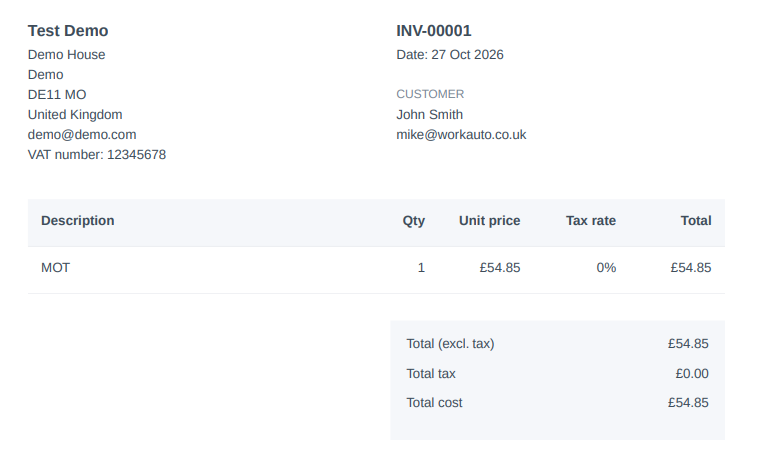
The PDF includes your company details, the customer's details, the job reference, every line item and the totals for net, VAT and gross. Download it, print it for the customer to take away, or email it to them.
info
Each invoice is numbered automatically and in order: INV-00001, INV-00002 and so on. Need to fix something? Click Edit, make the change and save again. View, edit and export.