Set the reminder date
Once you have opened the vehicle for editing, you will see fields for MOT Reminder and Service Reminder.
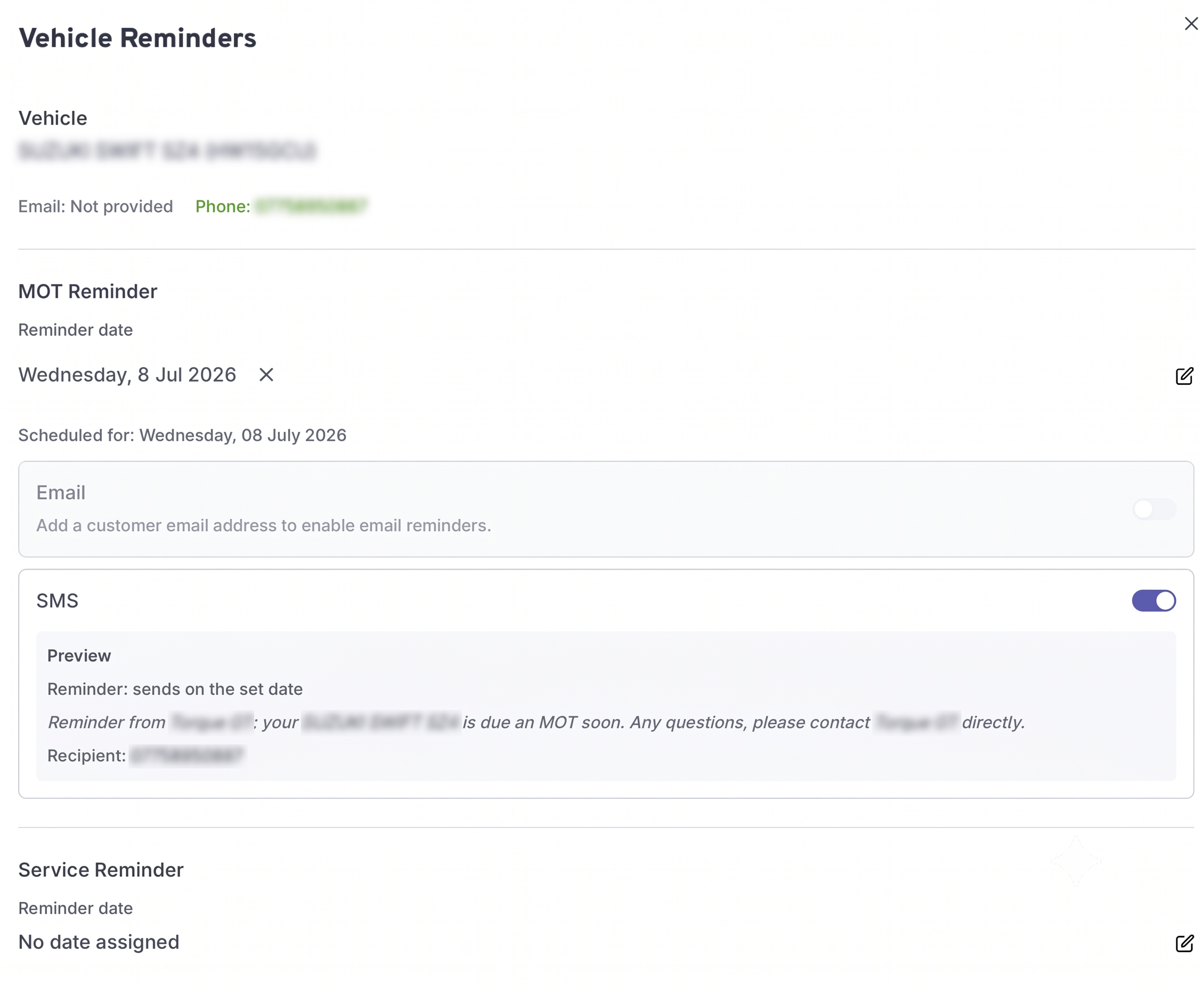
Click the edit icon next to either reminder field and select the date you want the reminder to be sent. This is the send date — set it to however many days before the MOT or service is due that you want your customer to be notified.
Once you have set a date, you can choose which channels to send it on — email, SMS, or both. Email requires a valid email address on the customer, and SMS requires a valid phone number.
Once you are happy with the dates and channels, click the confirm button to save.
You can set both an MOT and a Service reminder on the same vehicle independently.
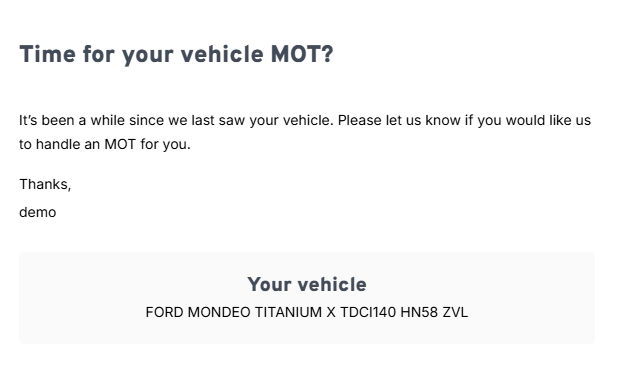
This is an example of what the reminder email looks like when it is sent to your customer: