View a specific job in techview
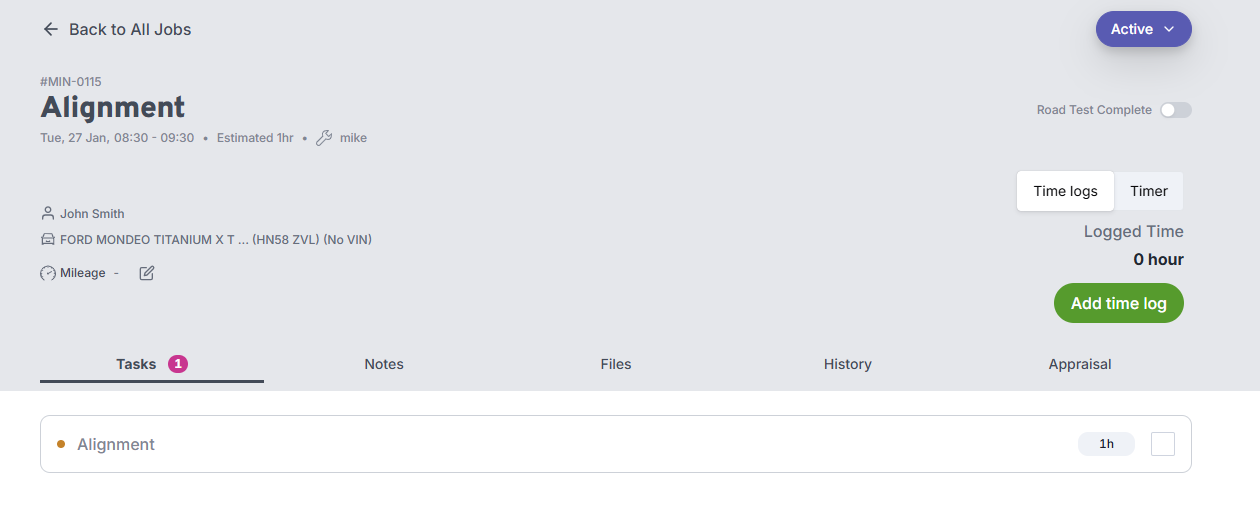
When you have clicked on a job from the list of today's jobs, you will see the full list of tasks for that job.
You can add notes and attachments to the job, which will be visible in the main Workauto application.
The next part is recording the time on the job
tip
Notes and attachments added in TechView are immediately visible to office staff in OfficeView — useful for flagging issues or uploading photos of the vehicle.