Login to techview
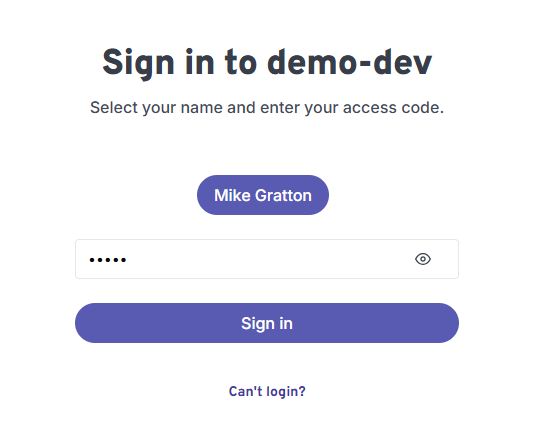
To log in to Techview, you will need a login pin. This pin can be found in the main Workauto application. You can find it in the Navbar under Techview.
The default technician name will be the user name that you signed up with. You can add more technicians in the main Workauto application, under Settings > Technicians.
info
All technicians share the same company PIN to access TechView. Once logged in, each technician selects their own name to see their assigned jobs.
tip
Add your technicians under Settings > Technicians before they log in for the first time, so their names appear in the selection list.