How to time jobs
We recommend using the timelogs to record the time logged on a job.
Click on the "Add Time Log" button and fill out the time you have spent on the job. You can add as many timelogs over as many days as you like and we will calculate the totals for the job. You can also have multiples technicians log time on the same job.
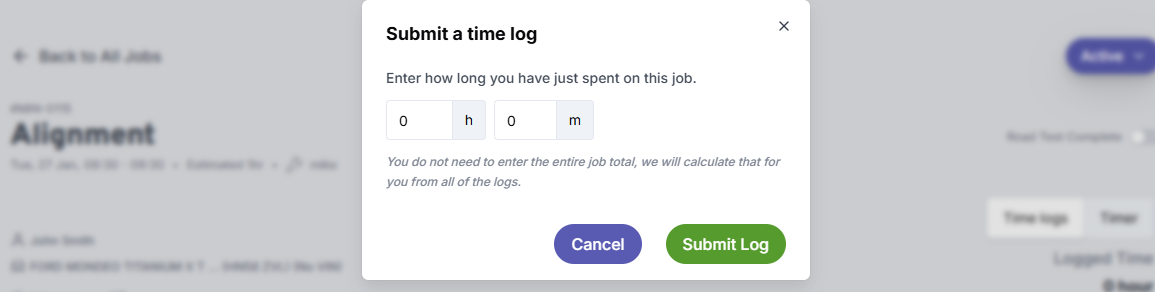
If you prefer you can use the "Timer" feature instead. start and stop the timer as required. If you use this method only one technician can record at a time

Time logs support multiple technicians recording against the same job simultaneously. If you use the Timer, only one technician can record at a time.
If you have multiple timelogs on a job, click "Manage time logs" to see them all grouped by date, with the technician, time, and duration for each entry.
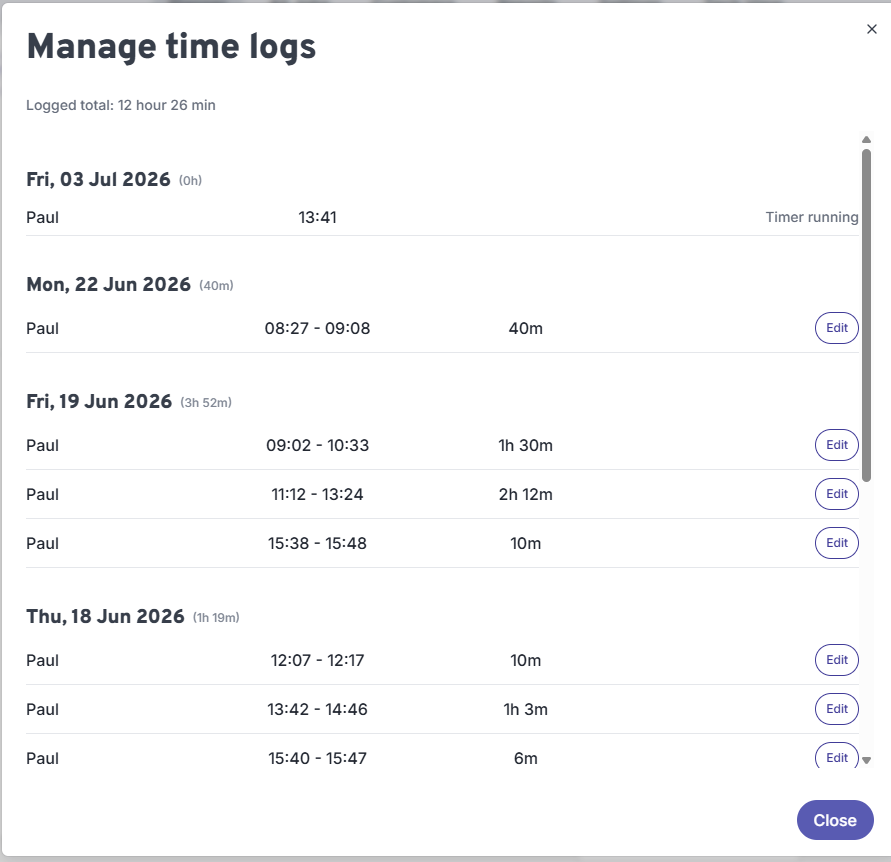
If you get the time wrong you can edit the timelogs! Just click manage time logs and edit as required.