Assign a date
Assigning a date is optional, if you don't add one it won't appear on the planner.
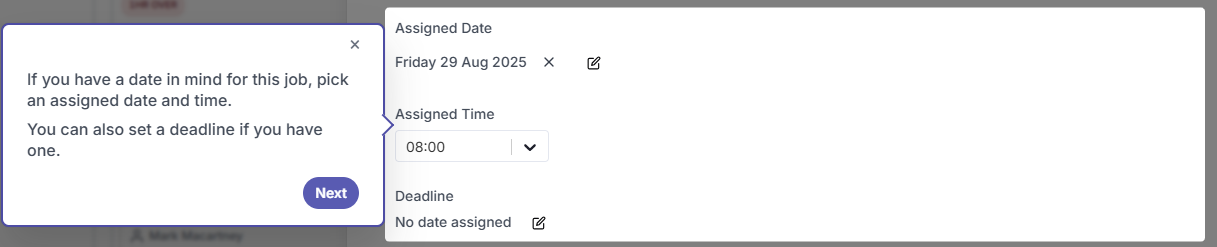
To assign a date, click on the date field and select a date from the calendar.
You can also assign a time and a deadline for the job - the deadline is optional
info
If you don't assign a date the job will be saved as a Draft and won't appear on the planner. You can always come back and add a date later.
tip
Use the deadline field for jobs that must be completed by a specific date — this helps you prioritise when reviewing jobs on the planner.