Create your first job
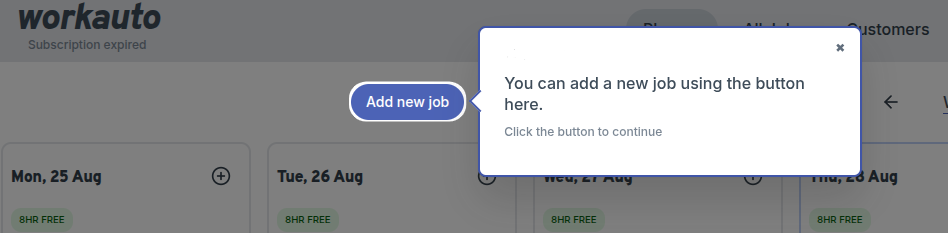
On the planner page, click on the "Add New Job" button.
tip
You can also create a job directly from the planner by clicking the + icon on any day column — the job will be pre-assigned to that date.
Add the title and description
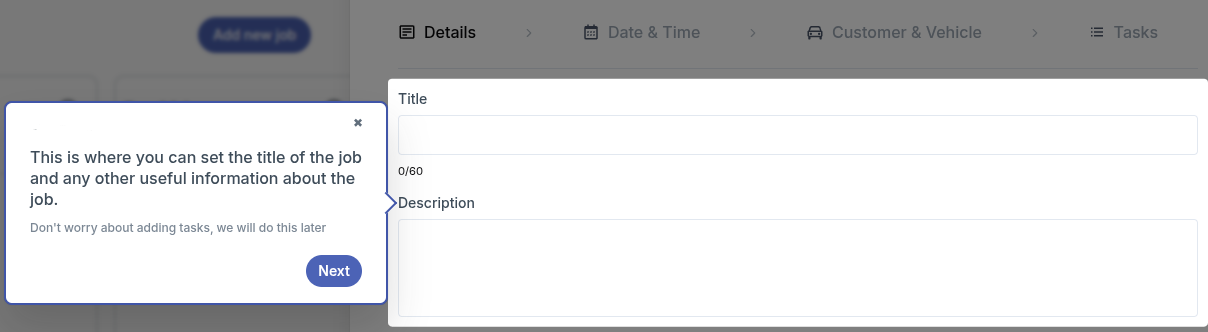
Enter the job title and description in the respective fields.
Add Tags
You can add tags to your job by clicking on the "Add Tag" button and selecting from the available options.

info
Tags like Waiting, Urgent, and Arrived are visible to technicians in TechView, helping them prioritise their work.